

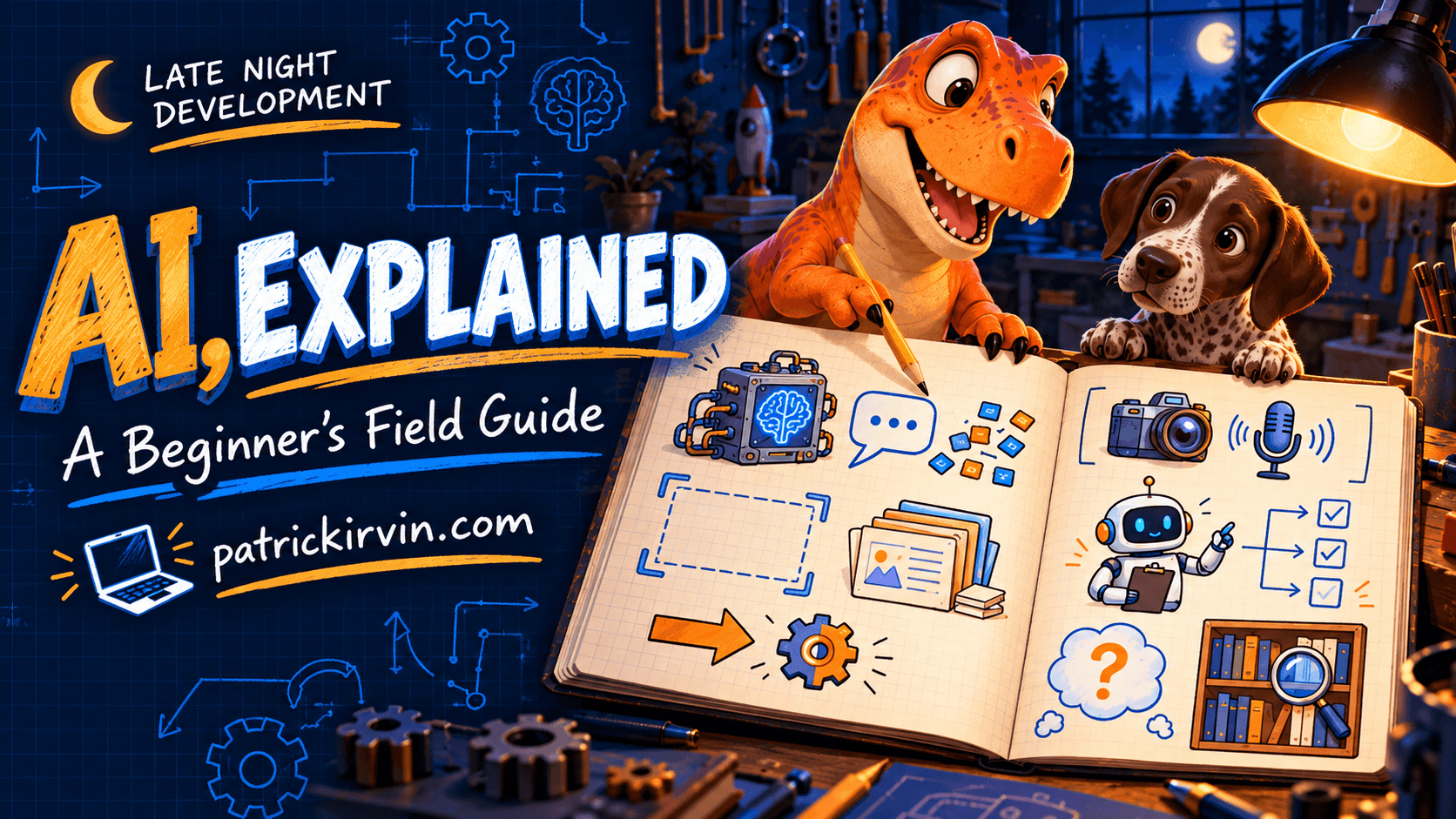
The first article in this series separated AI, machine learning, generative AI, and automation. That gets you the categories. It does not get you through a product page, a vendor pitch, or a coworker casually dropping "we should add RAG to this" into a meeting.
Ten words do most of the work in those conversations. None of them are complicated once someone defines them plainly. Here they are.
Model: the pattern engine
A model is the thing that was trained on data and now generates output from it. It is not the app you are chatting with—it is the engine underneath. ChatGPT, Claude.ai, and Gemini's web interface are all apps. GPT, Claude, and Gemini are the models powering them.
This distinction matters because the same model shows up in different apps with different guardrails, tools, and default behavior. "Is this model good?" and "is this app good?" are different questions, and mixing them up leads to blaming the wrong layer when something goes wrong.
Prompt: instructions plus context
A prompt is what you send the model: your instructions, plus whatever context you give it. "Summarize this" is a prompt. So is a careful paragraph specifying tone, audience, length, and what to leave out.
Vague prompts get vague, average answers—because the model has nothing specific to narrow in on. This is not a trick. A model can only respond to what it was actually given.
Token: a unit of text
A token is the small chunk of text a model actually processes—often close to a word, sometimes a word fragment or punctuation mark. "Tokenization" is simply splitting your text into those chunks before the model reads them.
You rarely need to count tokens by hand, but the concept matters for one reason: pricing and limits are almost always token-based, not word-based or character-based. When a tool says "4,000 token limit," that is the real constraint, and it is usually smaller than people expect.
Context window: what the model can see right now
The context window is the maximum number of tokens a model can hold in view at once—your prompt, the conversation history, any attached documents, and the response it is generating, all combined.
This is different from training. A large context window does not mean the model "remembers" your documents the way a database does. It means those documents fit in view for this exchange. Once a conversation exceeds the window, older content gets dropped or summarized, and the model genuinely cannot see it anymore—no matter how clearly you explained it three messages ago.
Training builds the model, inference uses it
Training is the one-time (and expensive) process of showing a model enormous amounts of data and adjusting it until it reliably produces useful patterns. Inference is what happens every time you send a prompt afterward—the already-trained model generating a response.
Keeping these separate prevents a common mistake: assuming a model "learns" from your conversation the way a person would. It does not update itself mid-chat. Everything useful it knows was baked in during training; everything it says to you right now is inference, happening fresh, every time.
Multimodal: more than just text
A multimodal model can work with more than one kind of input or output—text and images together, or text and audio, instead of text alone. Ask a multimodal model to describe a photo, read a chart, or generate an image from a description, and you are using that capability.
Not every model is multimodal, and not every product surface exposes it even when the underlying model supports it. "Does this tool read images?" is a fair, specific question—do not assume the answer from the brand name alone.
Agent: when a model can act, not just answer
An agent is a model wired up with the ability to take actions—running code, browsing the web, calling other software, editing files—rather than only producing text for a person to read and act on themselves.
This is the single biggest practical shift happening in AI tooling right now, and it is also where the stakes of being wrong go up the most. A chatbot that gives a wrong answer wastes your time. An agent that takes a wrong action can actually change something. The next article in this series spends real time on how to think about that tradeoff.
Hallucination: confident and wrong
A hallucination is a fluent, specific-sounding answer that is simply not true—a citation that does not exist, a function that was never a real API, a fact invented to complete the sentence smoothly.
The unsettling part is not that models get things wrong. Every tool does that sometimes. It is that a hallucinated answer looks exactly as confident and well-formatted as a correct one. There is no visual tell. That is precisely why the first article in this series insisted AI is a tool, not an oracle—fluency is not the same thing as accuracy, and nothing about how an answer sounds tells you which one you are looking at.
RAG: grounding answers in approved sources
RAG, short for retrieval-augmented generation, is a technique where a system looks up relevant information from an approved source—your documentation, a knowledge base, a set of files—and feeds it into the model's context before generating an answer, instead of relying purely on what the model learned during training.
RAG does not eliminate hallucination, but it narrows it: the model has real, current, specific material in front of it rather than only its general training. "What sources does this use?" is one of the most useful questions you can ask about any AI product that claims to answer questions about your own data.
In plain English
A model is the engine; a prompt is what you feed it; tokens are the units it actually processes; the context window is how much it can see at once. Training builds the model, once; inference is the model responding, every time. Multimodal means more than text. An agent can act, not just answer. A hallucination is a wrong answer delivered with total confidence. RAG grounds answers in sources you actually trust.
Try this tonight
Pick one AI tool you already use. For each of these ten words, answer one plain-English question: does it apply here, and how? Which model is underneath? What's actually in your prompt? Is it multimodal? Does it act on your behalf, or only respond? Does it use RAG, or is it working from training alone? You will not have every answer—and noticing exactly where you do not is the useful part.
Next in the series: How AI Learns. We will walk through what training actually does to a model—and why "it learned that" is a very different claim from the way a person learns something.